AI Coach
Choose Your coach
Girls lists each academy coach with her own hero, tags, library, and description — pick who you address in chat.
Fullscreen browsing and profile routes help you discover the girl that fits your taste before you return to dialogue.
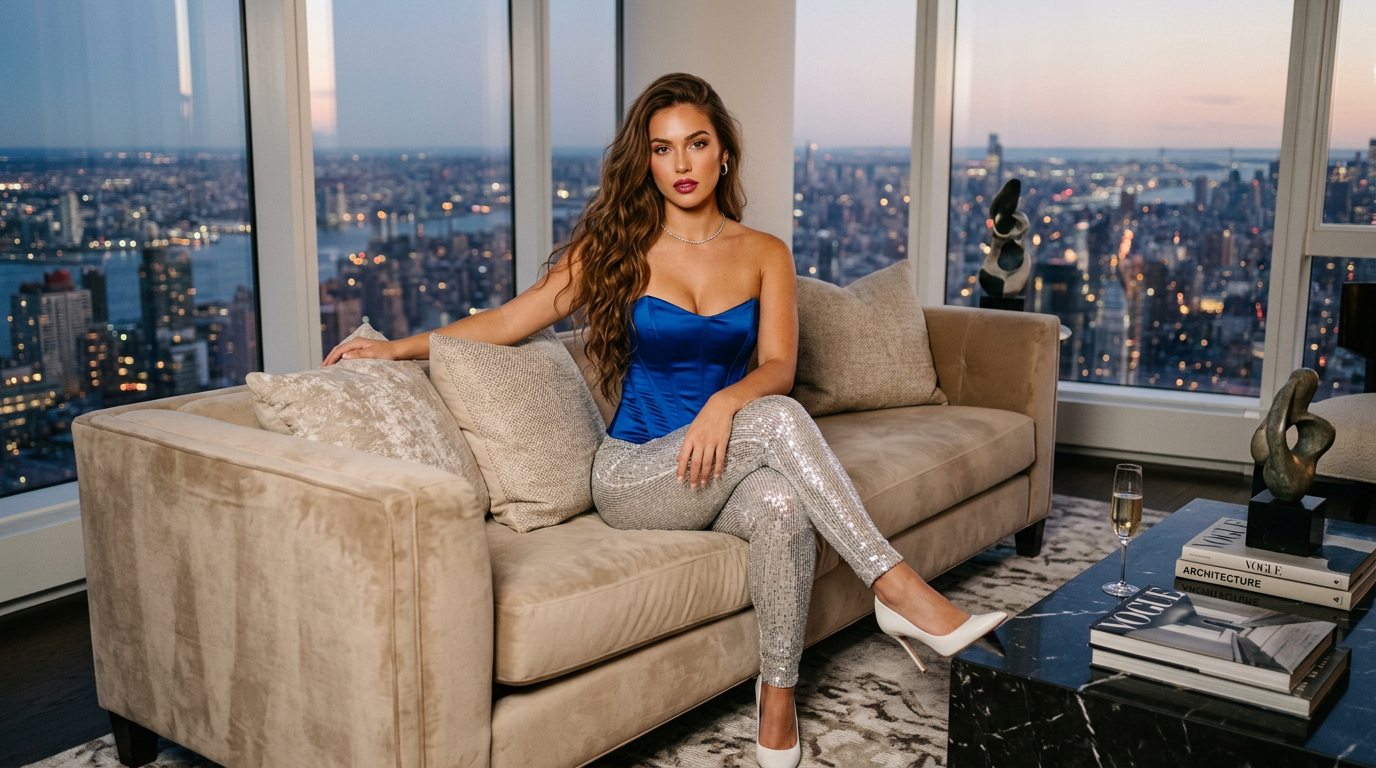
Curated profiles and hero imagery
Every Girls profile opens with a hero image, display name, short descriptor, and image count so you can scan the grid before diving in. Profiles are editorially curated — not an exhaustive stock list — so each page tells you what model pack you are entering.
From the grid you jump into a full profile route with the same lightbox and navigation patterns as the main gallery where applicable.
Image libraries, tags, and fullscreen

Inside a profile you browse tagged sets: themed shoots, outfit changes, and pose sequences depending on the pack. Tags help filter and discover without losing the profile context.
Fullscreen mode lets you step through images in order, zoom where supported, and stay inside the profile shell instead of bouncing to unrelated routes.
How Girls differs from the Alex gallery
The core /gallery route is Alex–centric: one persona, thematic sections, persona-led unlocks. Girls is multi-model: each profile is its own mini-site for that character’s library.
Keeping them separate avoids mixing persona SEO and multi-model discovery in one undifferentiated grid — and helps you choose the right entry point (persona vs curated models).
Chat, credits, and crossing back into the main experience
After browsing Girls you can return to Alex chat, open premium gallery or video routes, or continue progression via games and challenges. Credits and unlock rules are the same global economy documented on instructions.
Use chat when you want dialogue; use Girls when you want profile-first visual libraries.